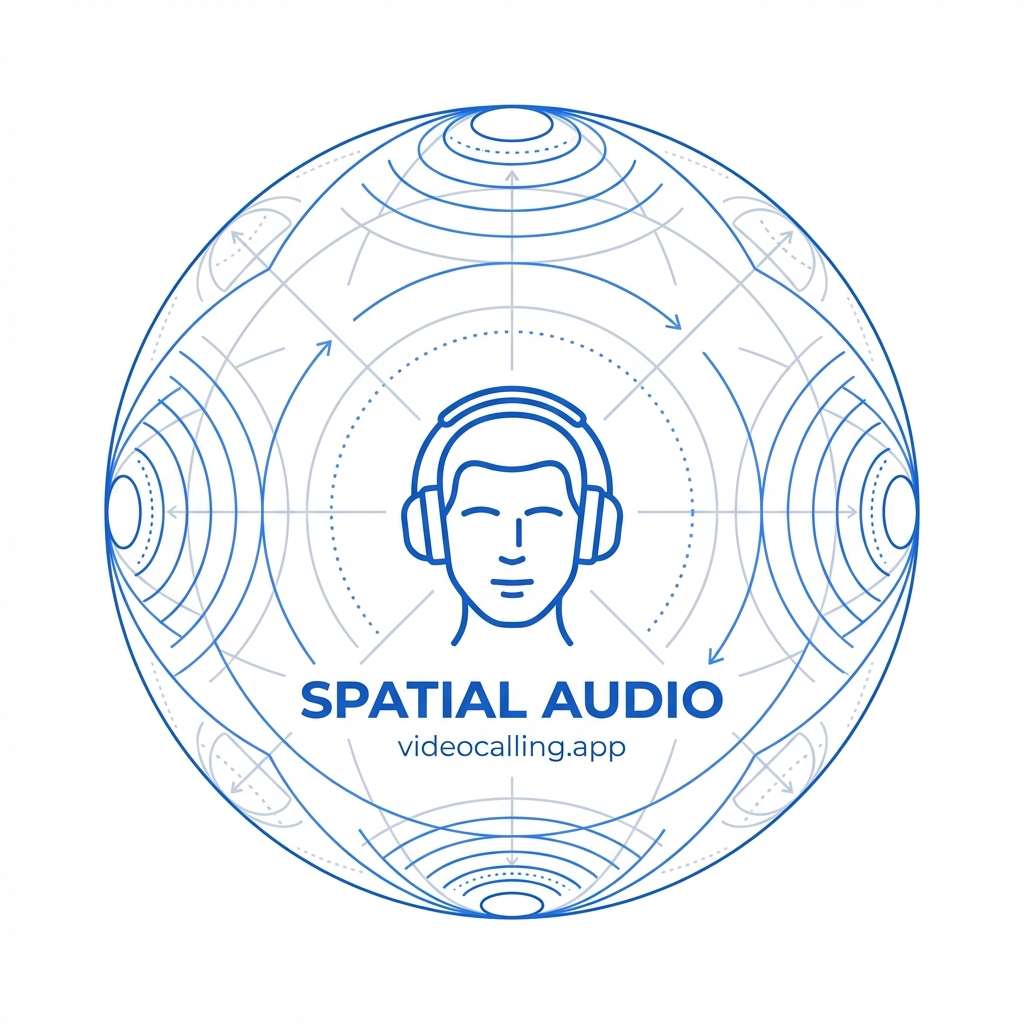
Spatial Audio
Feature3D audio technology that positions participants' voices based on their screen location for natural conversations
What is Spatial Audio?
Spatial audio (also known as 3D audio or immersive audio) is a technology that recreates natural sound positioning in virtual meetings. Instead of all participants' voices coming from the same flat, mono or stereo source, spatial audio places each person's voice at a specific location that corresponds to their position on your screen. When someone in the upper-left corner of your gallery view speaks, their voice sounds like it's coming from that direction.
This seemingly simple change has profound effects on meeting quality. Our brains evolved to process sounds coming from different directions—it's how we navigate cocktail parties, follow group conversations, and identify speakers in crowded rooms. Spatial audio brings this natural ability into virtual meetings.
How Spatial Audio Works
Spatial audio technology combines several techniques to create the illusion of 3D sound positioning:
Head-Related Transfer Functions (HRTF)
When sound reaches your ears in real life, it arrives at slightly different times and with subtle frequency differences depending on its direction. HRTFs are mathematical models that simulate these differences, allowing software to position virtual sound sources anywhere in 3D space using just stereo headphones or speakers.
Video Position Mapping
In video conferencing, spatial audio maps each participant's position in the gallery view to a corresponding audio position. The system creates a virtual soundstage where:
- Participants on the left side of the screen are heard from the left
- Participants on the right are heard from the right
- Distance cues make voices softer as participants lean back or louder as they lean forward
Benefits of Spatial Audio in Meetings
Instant Speaker Identification
One of the most immediate benefits is knowing who's speaking without looking. In traditional video calls, all voices come from the same place, forcing you to visually scan the screen to identify the speaker. With spatial audio, you instinctively know who's talking based on where the sound originates—just like in a real room.
Better Understanding of Overlapping Speech
When multiple people talk simultaneously in traditional video calls, it becomes nearly impossible to understand anyone. Spatial audio dramatically improves comprehension of overlapping speech because your brain can separate voices coming from different directions—a phenomenon called the "cocktail party effect." This makes brainstorming sessions and lively discussions much more manageable.
Reduced Meeting Fatigue
"Zoom fatigue" is partly caused by unnatural audio. When all sounds come from a single point, your brain works harder to process conversations. Spatial audio reduces this cognitive load by providing audio cues your brain naturally expects, making long meeting days less exhausting. Studies suggest that spatially positioned audio more closely mimics in-person interaction, reducing the mental effort required to follow conversations.
Enhanced Presence and Engagement
Spatial audio creates a stronger sense of "being there" with other participants. This increased presence can improve engagement, make meetings feel more personal, and reduce the psychological distance that often makes video calls feel less connected than in-person meetings.
Platform Support
Major video conferencing platforms have been rolling out spatial audio features:
Microsoft Teams
Teams supports spatial audio in meetings and immersive events. In immersive 3D spaces with avatars, you can even move closer to conversations to hear them more clearly. Requirements include USB wired stereo headphones or speakers, and meetings must have more than two participants in gallery view.
Zoom
Zoom introduced spatial audio for meetings and webinars, positioning participants' voices in the stereo field based on their location in Gallery or Immersive View. Available in Zoom desktop app version 6.0.10 and later, though currently limited to wired stereo output—Bluetooth devices aren't yet supported.
Specialized Platforms
Platforms like Kumospace and High Fidelity have built their entire experience around spatial audio, creating virtual offices where sound behaves naturally—you hear nearby conversations clearly and distant ones fade away, just like in a real office.
Current Limitations
Despite its benefits, spatial audio in video conferencing still has limitations:
- Hardware requirements: Most implementations require wired stereo headphones or speakers; Bluetooth support is limited
- Basic stereo only: Current implementations typically offer widened stereo rather than true 3D positioning
- Gallery view only: Often requires specific view modes to function
- Device compatibility: Features may be limited to specific certified hardware in room systems
The Future of Spatial Audio
Spatial audio is poised to become standard in video conferencing as technology evolves:
- Metaverse meetings: As VR/AR meeting spaces grow, spatial audio becomes essential for natural interaction in 3D environments
- Head tracking: Future implementations may use device sensors to maintain audio positioning even as you move your head
- AI enhancement: Machine learning can improve spatial audio by better separating voices and reducing background noise while maintaining positional cues
- Wireless support: Low-latency codecs like LC3 are enabling spatial audio over Bluetooth
As hybrid work becomes permanent, technologies like spatial audio that make virtual meetings more natural and less fatiguing will become increasingly important for productivity and wellbeing.
References
- Spatial audio in Microsoft Teams meetings - Microsoft Support
- Spatial Audio – A Game Changer in Conferencing - Immersitech
- Spatial Audio Will Be a Game Changer for Social Audio and Video Conferencing Apps - High Fidelity
- Spatial Audio Technology for Meetings - Kumospace
- Video Call from the Future with Spatial Audio - VRtonung